
LiveSince v1.0.0
Unexpected-close notice
Get a starting point for troubleshooting when you return after a crash.
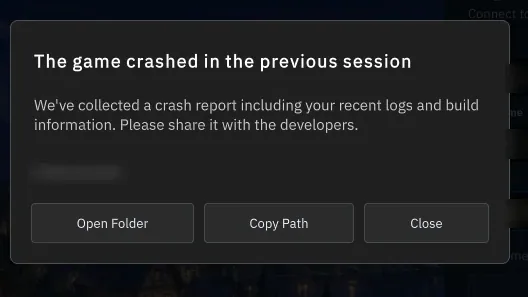
What it is
When a crash is detected, the next launch displays a previous-session notice to help start troubleshooting.
Why it's cool
Get context when returning after an unexpected close.
How to use
- Relaunch the game after an unexpected close.
- Read the previous-session notice and choose an offered action.
RELATED
Related features
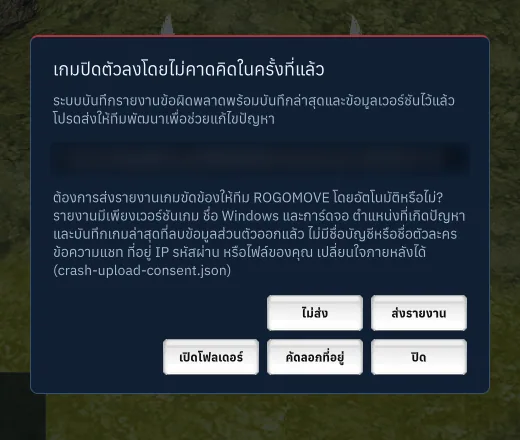
In testing2026-10-13
Opt-in crash reports
Keep the choice to share crash reports in your own hands.

Livev1.0.0
Verify, repair and resume
Get back to your adventure with download resume and file repair.
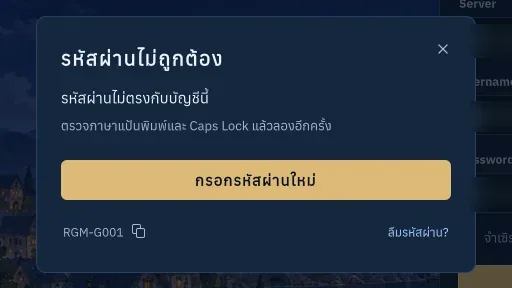
Livev1.0.1
RGM error codes and recovery help
Know what went wrong and what to try next to get back to your adventure.