
In testing
Tip of the Day
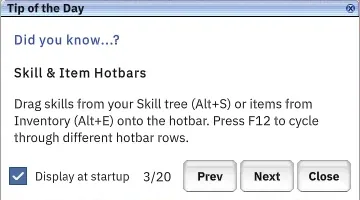
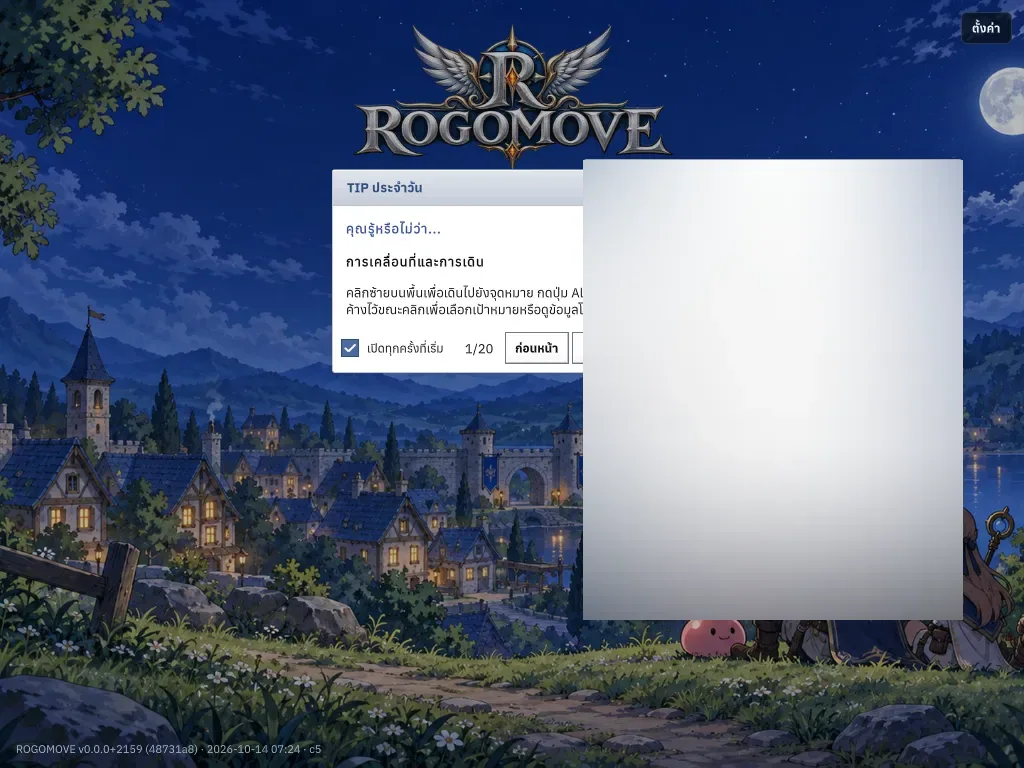
A tip window after login: browse tips and turn it off any time.
This system is in testing on the test server and not in the stable patch yet. Details may change before release.
What it is
A tip window after login: browse tips and turn it off any time.
Why it's cool
A tip window after login: browse tips and turn it off any time.
How to use
- It opens after you log in.
- Use Prev/Next to browse.
- Untick Display at startup to stop it.
- Type /tip to open it again.