LiveSince 2026-10-22
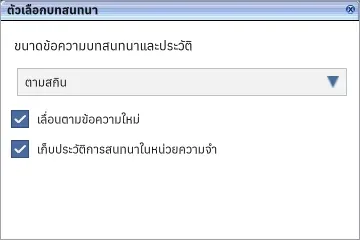
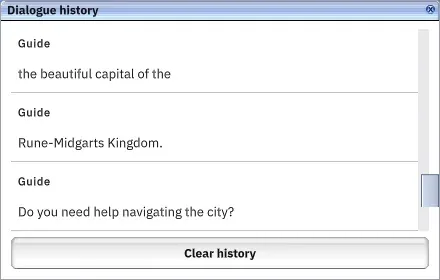
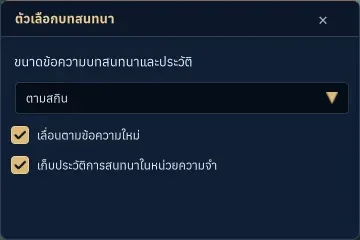
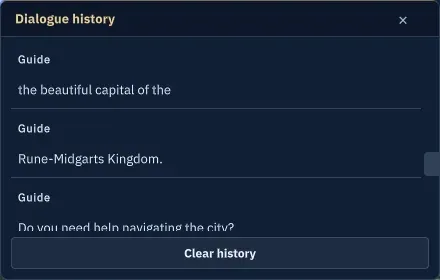
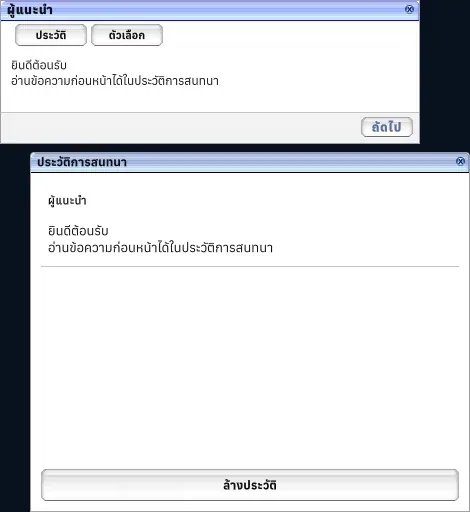
Dialogue history and options
Review dialogue and adjust its text size.
What it is
Separate history and display options keep a session transcript in memory and exclude typed input answers.
Why it's cool
Review earlier lines without answering or advancing the conversation.
How to use
- During an NPC conversation, click History to review earlier lines or Options to adjust text size, scrolling and history recording.
- Press Esc or the close button to close the active window and return focus to the remaining window or conversation.
- Use Clear history to remove recorded lines. Leaving the game world clears the transcript.
RELATED