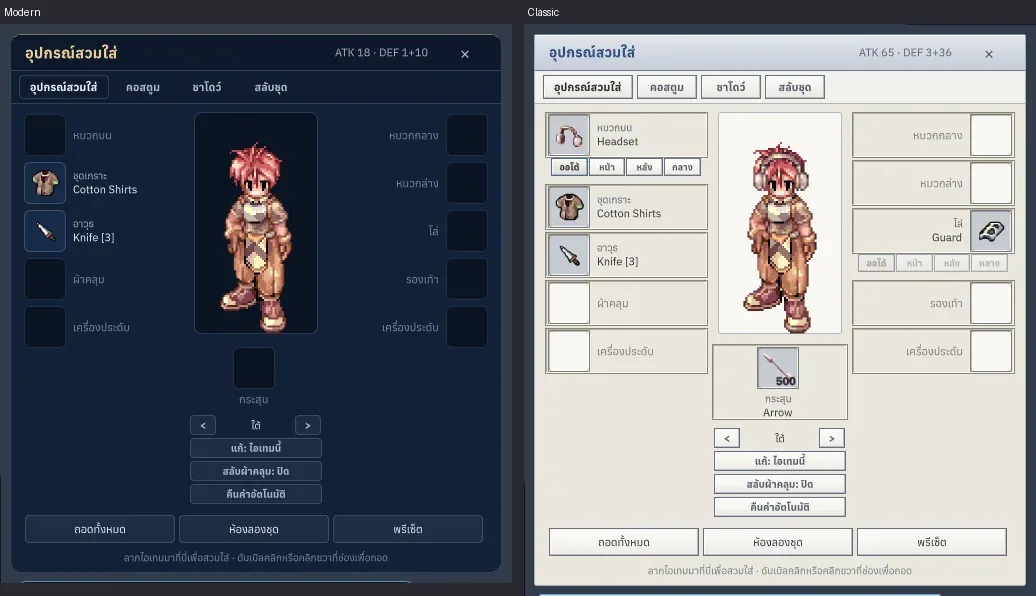
In testingSince 2026-10-19
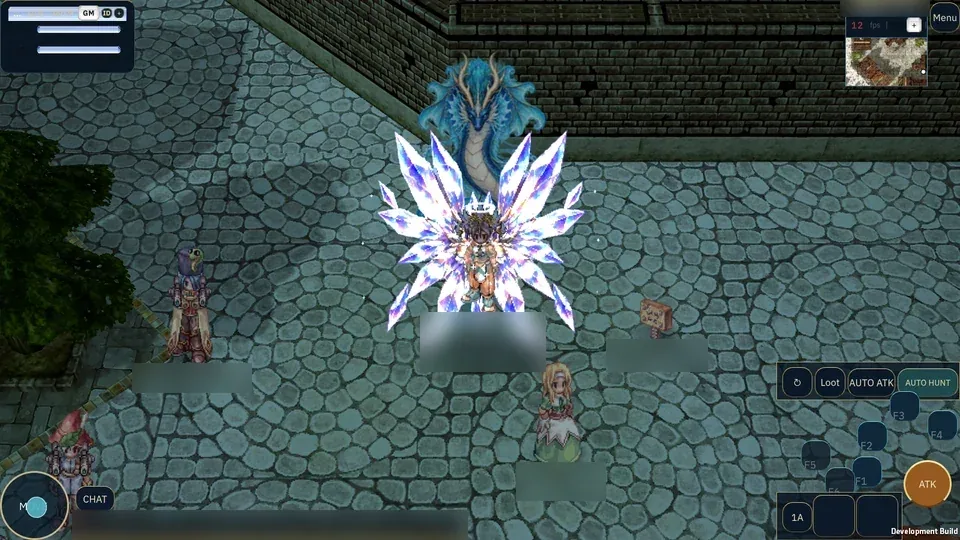
Universal Classic-inspired combat HUD
One shared HUD for mobile and PC, with rebindable hotkeys.
This system is in testing on the test server and not in the stable patch yet. Details may change before release.
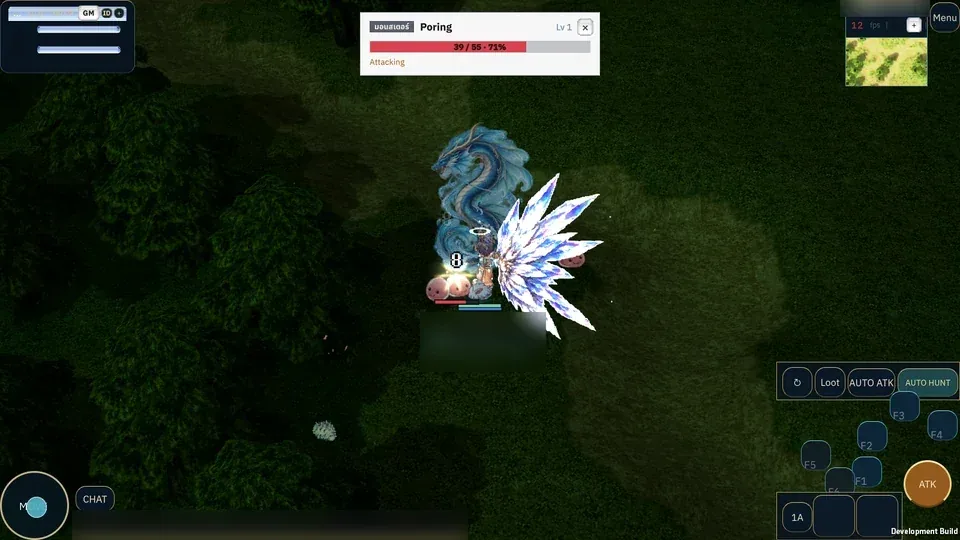
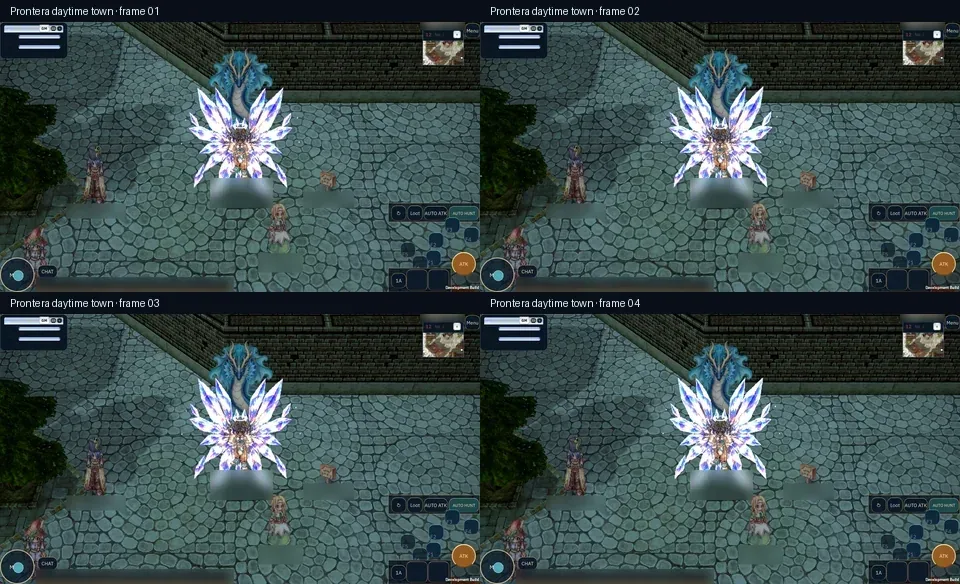
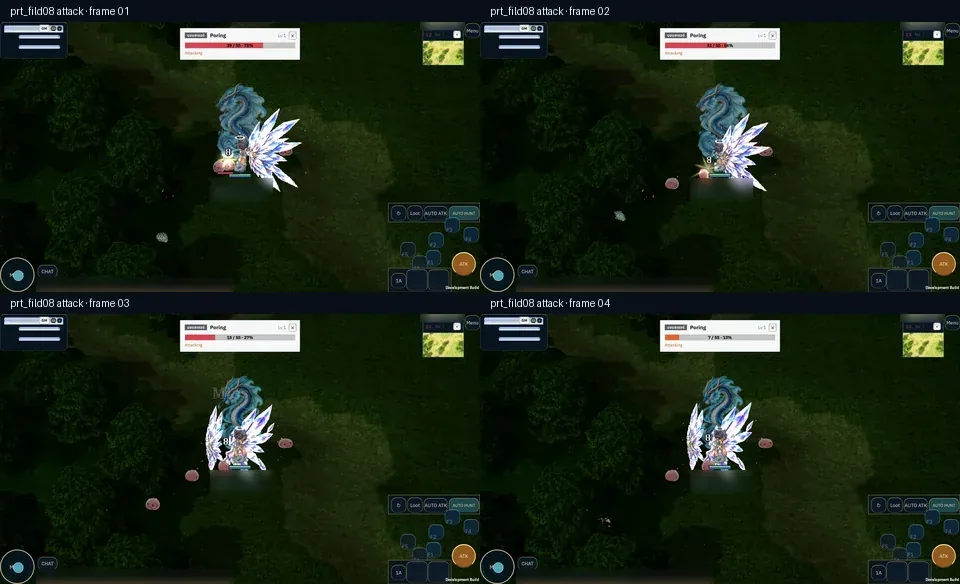
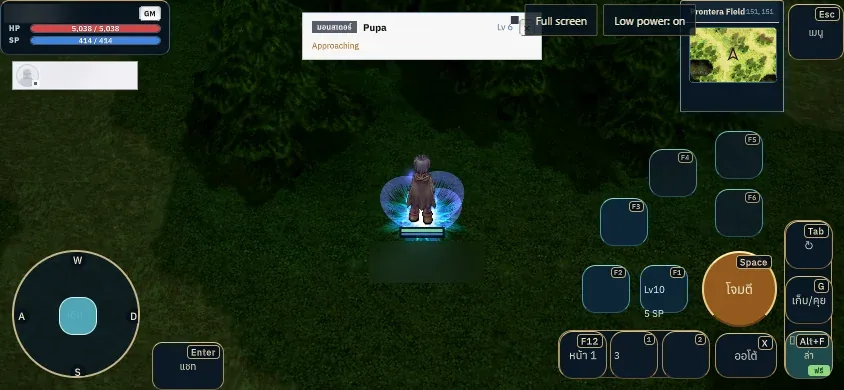
What it is
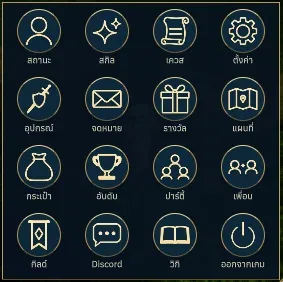
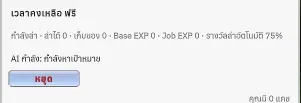
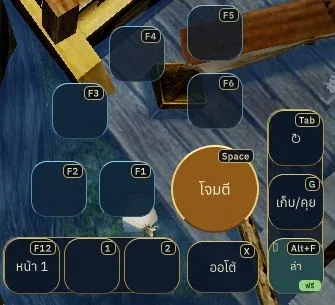
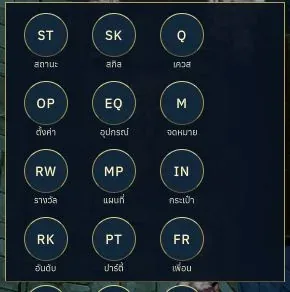
A safe-area HUD with virtual movement, an attack arc, a reserved Auto Hunt slot, and familiar hotbar icons.
Why it's cool
Keeps movement, skills, and combat controls easy to reach while preserving configurable keyboard input.
How to use
- On phone or tablet, play in landscape, move with the joystick on the left, and use the skill arc and attack control on the right.
- On PC, use the same arrangement and assign hotkeys under Controls.
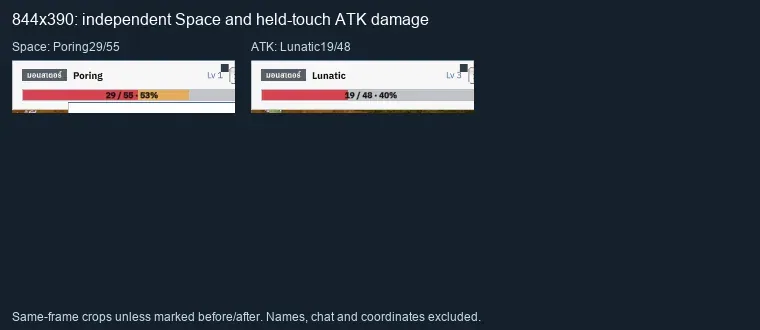
- Isolated preview: https://play.rogomove.com/preview/mobile-hud/?rgmMobileHud=1 (engine4c37293eb). Field mouse casts from all six skill cells, quick-slot1/2 consumption, and844x390 Space/ATK damage and X start/stop are verified. Keyboard Tab and G pickup remain unverified; see docs/worklog/2026-10-23-hudaccept.md. This is not full mobile acceptance.
- Drag a learned skill or usable item onto a cell. A skill or item can occupy only one cell per bar; dragging it to another cell moves the binding. In development builds after #599/#600, tap to use, hold to inspect, and release to dismiss. Open item counts refresh after acknowledged consumption. Tab stays in the focused game canvas; HTML text fields retain normal Tab navigation.
RELATED