
LiveSince v1.0.0
Settings, graphics, audio and FPS/Ping
Make the game feel right with graphics, sound and controls tuned to you.
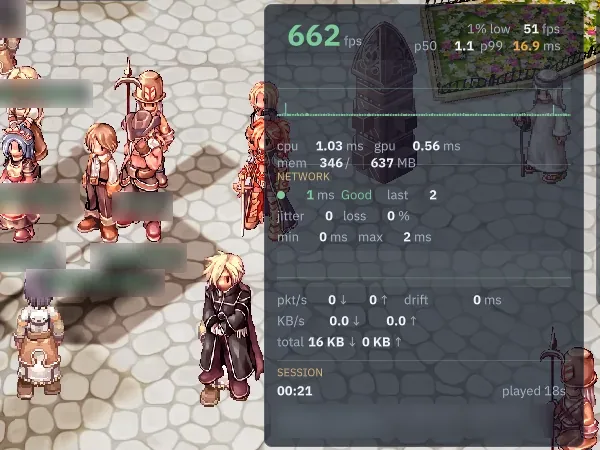
What it is
Adjust graphics, sound, UI scale and bindings in game, with FPS, frame-time and network-latency displays.
Why it's cool
Tune the game for your PC and spot performance issues.
How to use
- Open Settings to adjust graphics, sound or UI scale.
- Use the Overlay tab to choose a performance display.
Hotkeys
Ctrl+FToggle performance overlay
RELATED
Related features
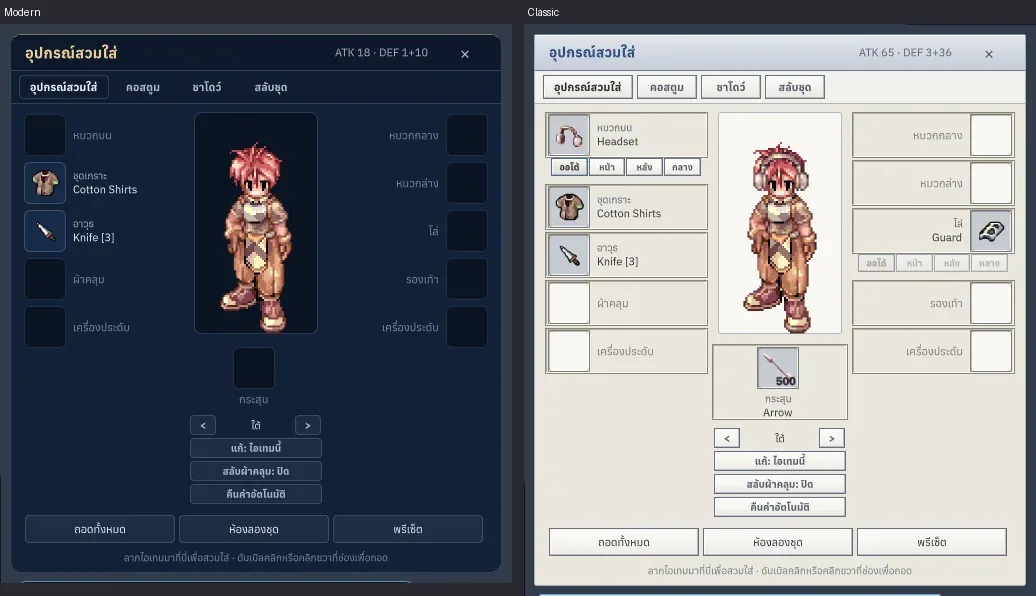
Livev1.0.1
Classic, Modern and Dark themes
Feel at home with classic windows, or find a fresh style you love.

Livev1.0.0
Skill effects and combat feedback
Read the fight at a glance and tune the effects to suit your battles.
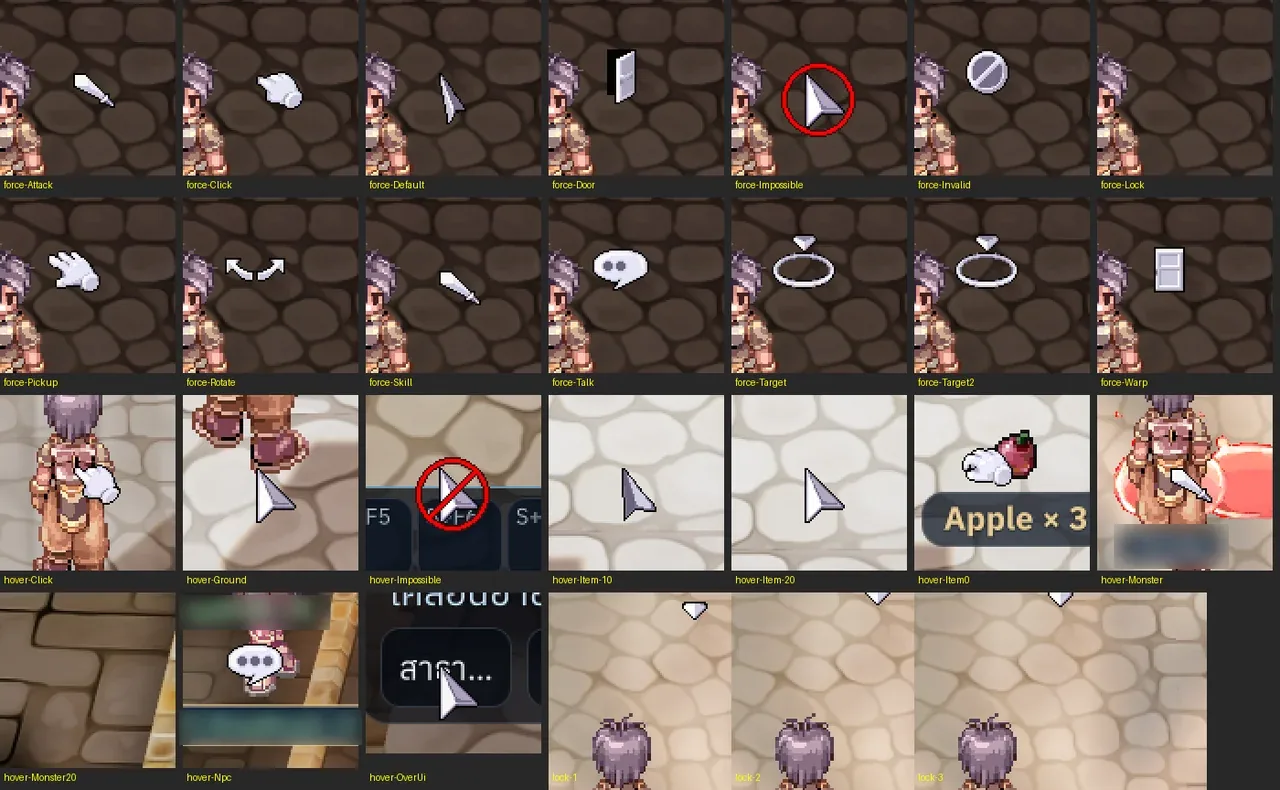
Livev1.0.7
Map music and classic cursors
Get into each map's mood with music and cursors that guide your actions.