
LiveSince v1.0.0
Thai and English
Feel at home in your adventure: switch between Thai and English instantly.
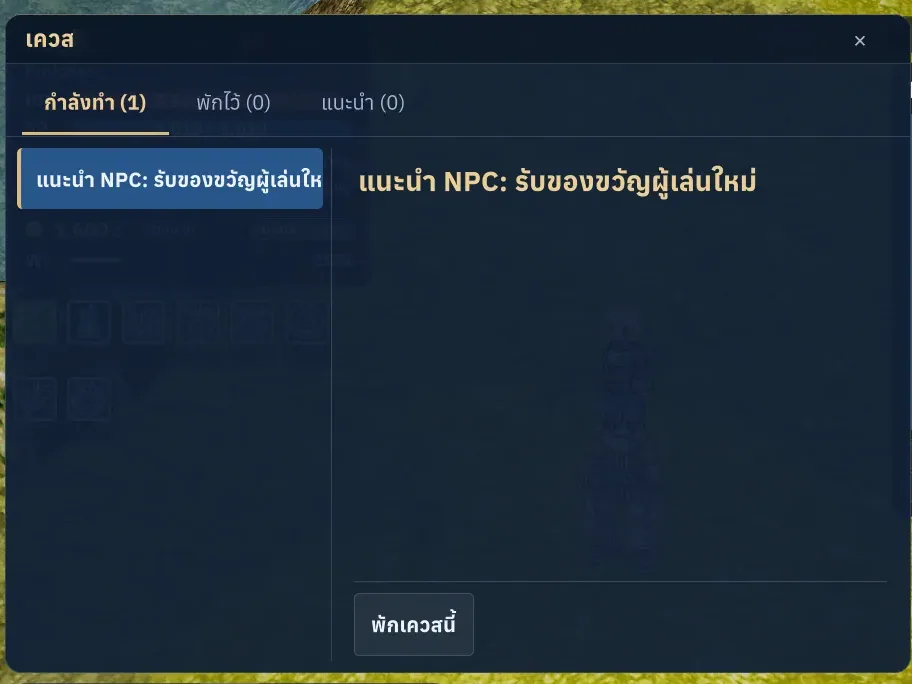
What it is
Switch interface and game-data language immediately. Supported NPC translations follow the account language; player chat remains unchanged.
Why it's cool
Read game systems and quests in your preferred language.
How to use
- Open Settings > Gameplay > Language and choose a language.
- Open quests or item information to see the selected language.
RELATED
Related features
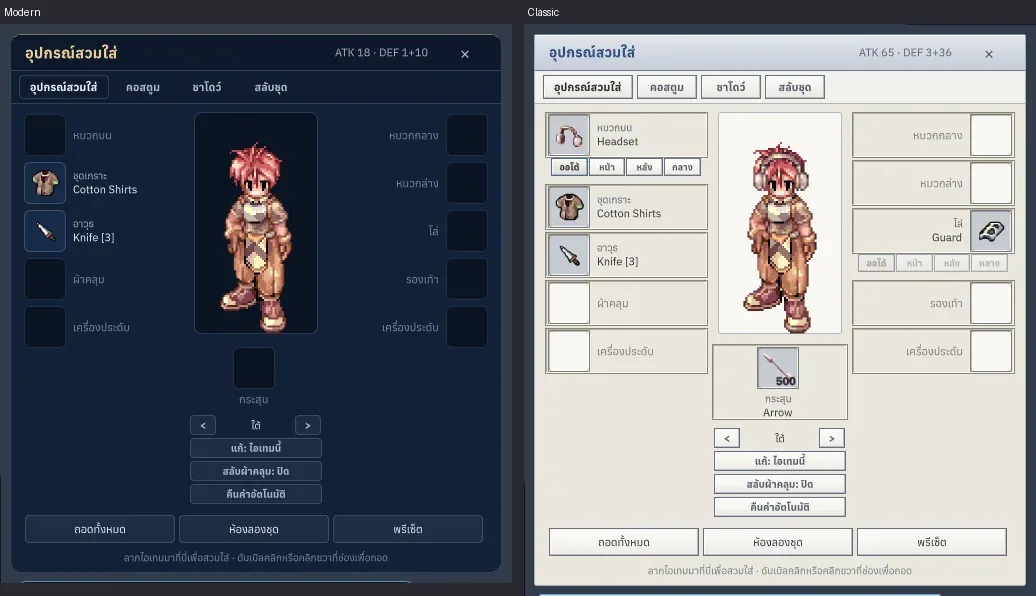
Livev1.0.1
Classic, Modern and Dark themes
Feel at home with classic windows, or find a fresh style you love.
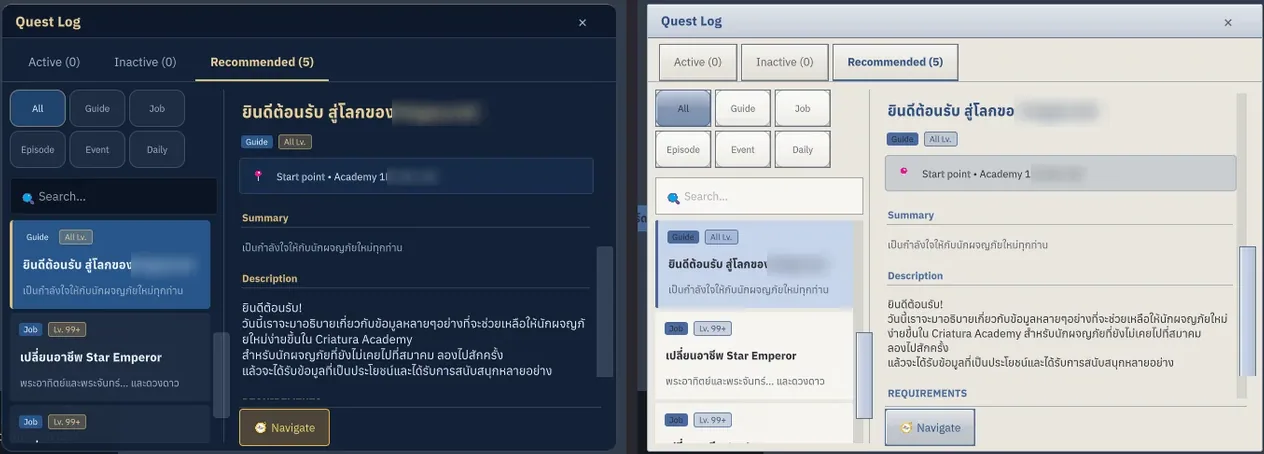
Livev1.0.0
Quests and recommendations
Keep your next goal in sight and your quest progress close at hand.
Alt+U
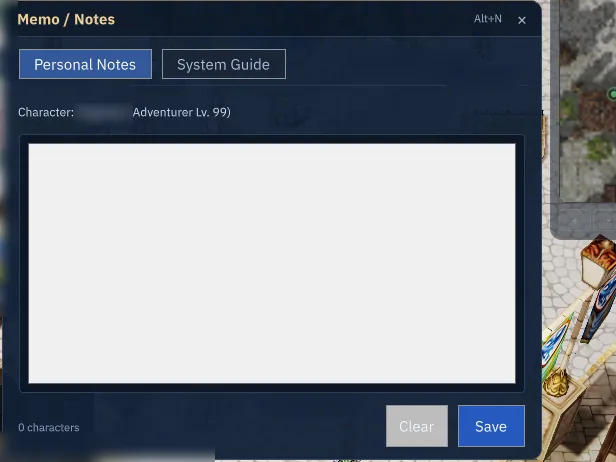
Livev1.0.0
Memo / Notes and tips
Keep your next adventure in mind with personal notes and handy tips.
Alt+N