LiveSince v1.0.32
Service-status recovery link
Check service status when you cannot connect.
What it is
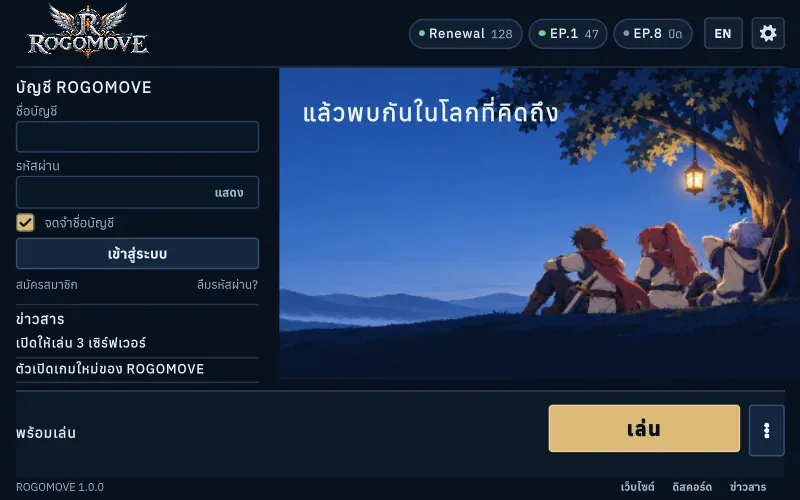
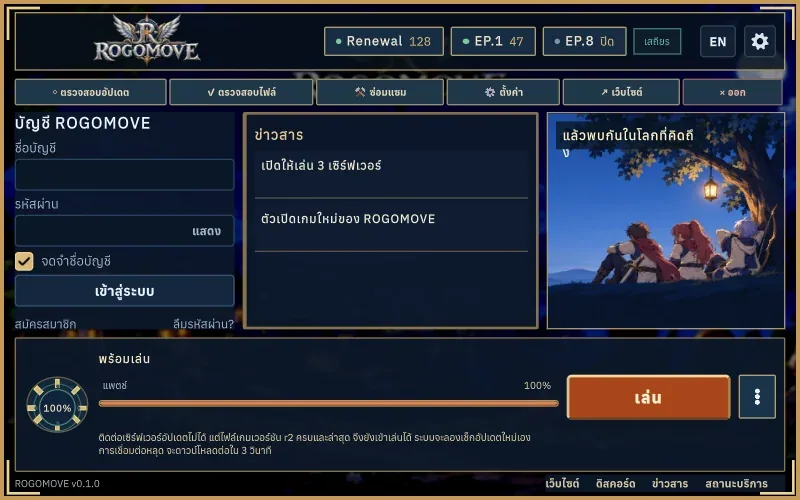
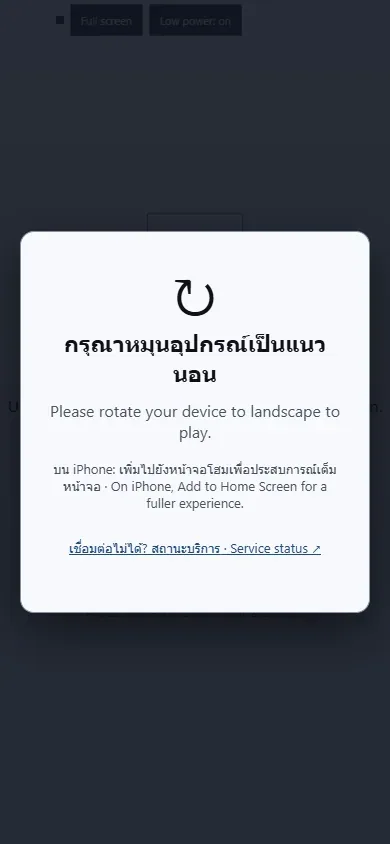
Open public service status from the native launcher or Web loading screen before sign-in.
Why it's cool
Find recovery information when the game or update service is unavailable.
How to use
- Choose Service status in the launcher footer or Web loading screen.
- The public page opens in your browser. Availability checks do not confirm a full login.
RELATED