LiveSince v1.0.25
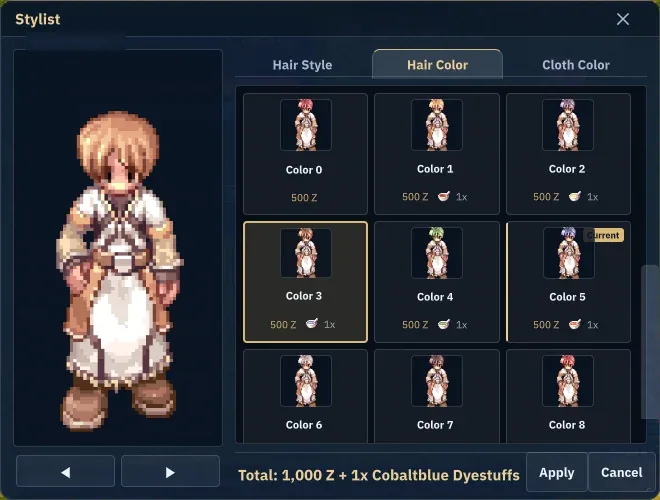
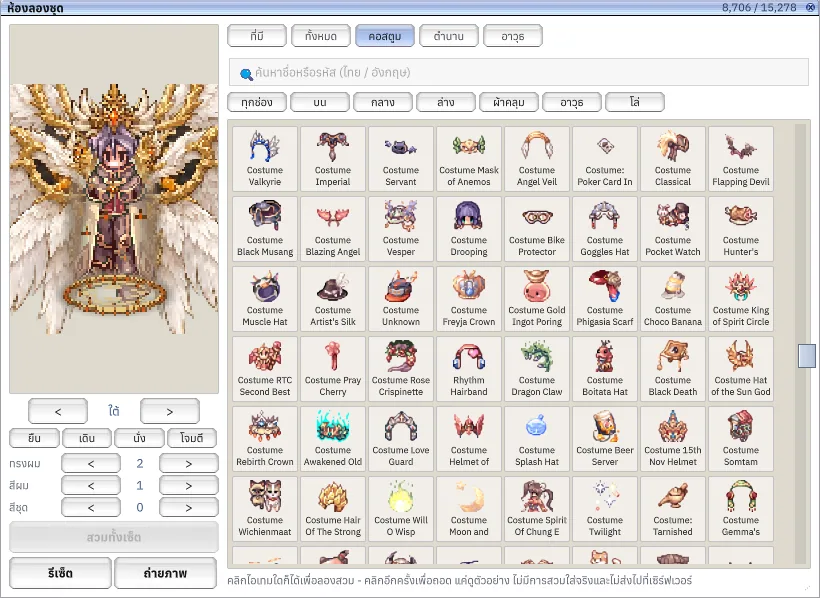
Stylist alternate body styles
Preview an alternate body before confirming.


What it is
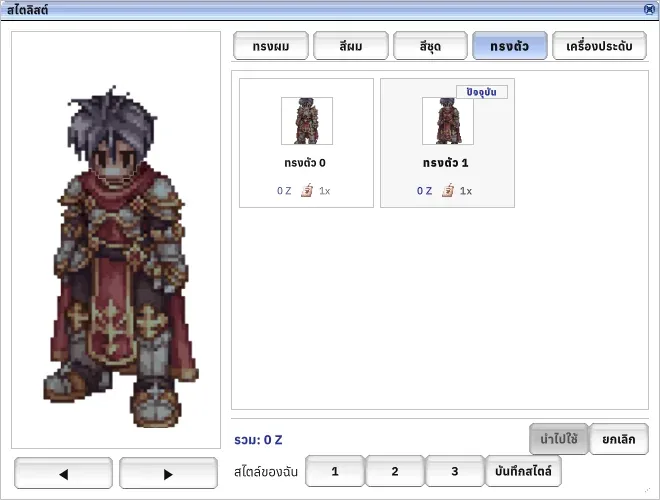
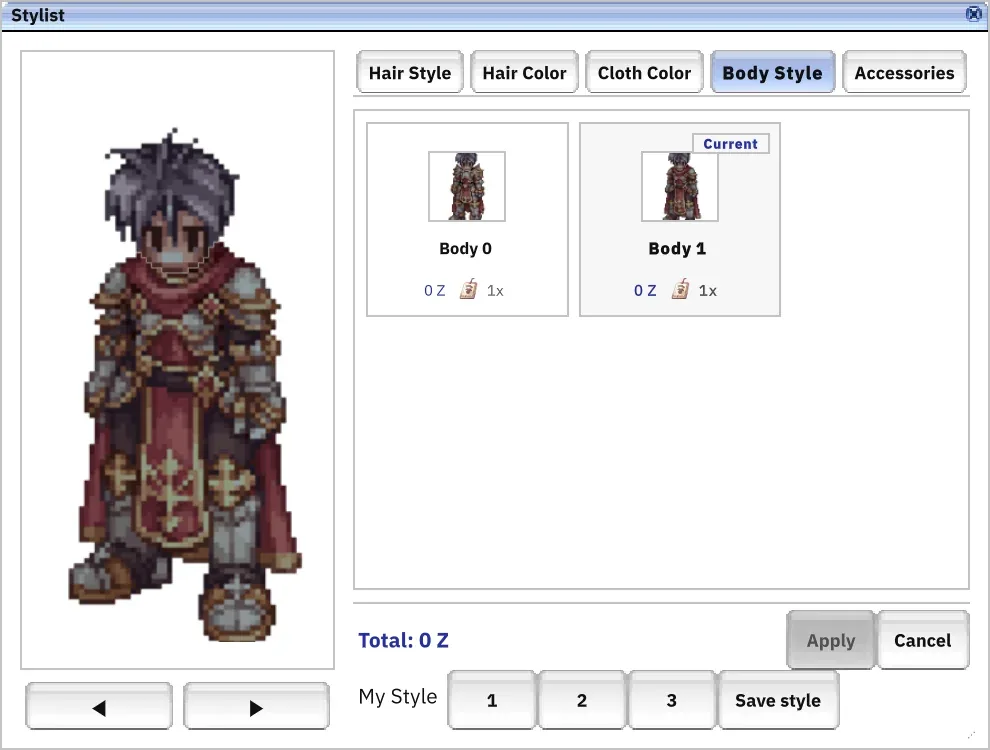
Supports native alternate bodies for eligible third classes, with the Costume Ticket cost shown before confirmation.
Why it's cool
See the appearance before changing it.
How to use
- Open a supported Stylist service and select Body Style.
- Choose a body, review the Costume Ticket cost, then Apply and Confirm.
RELATED