In testingSince 2026-10-15
Tester fixes: item descriptions, pickup toasts, menu buttons
Right-click an item to pin its description and compare it with what you wear.
This system is in testing on the test server and not in the stable patch yet. Details may change before release.
Preview coming soon
What it is
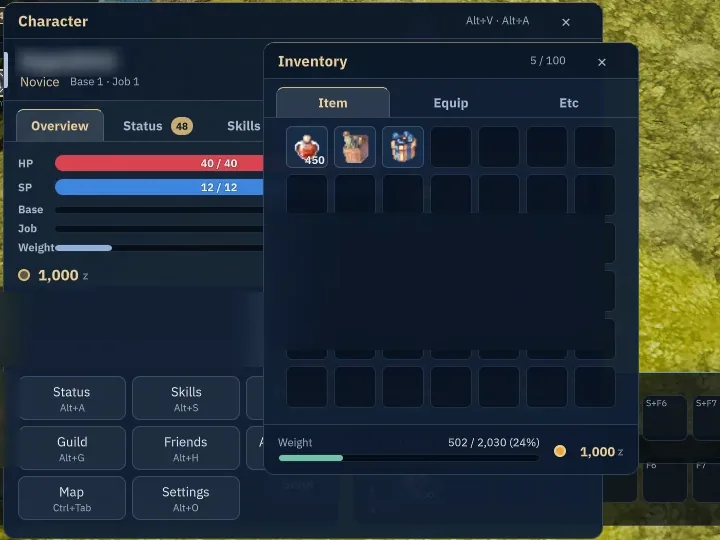
Right-click an item for a pinned description window (up to 4) that compares against what you wear. Pickups show as a toast stack, the Town, Cash and Map buttons stay at the top right even when the minimap is hidden, Insert sits or stands, and button clicks have distinct sounds.
Why it's cool
Fewer window round trips, and you always see what you just picked up.
How to use
- Right-click an inventory item to pin its description.
- Esc closes the pinned description first, then the inventory.
- Press Insert to sit or stand.
RELATED