
LiveSince v1.0.0
Status, inventory and equipment
Get your gear in order and shape your character to suit your playstyle.
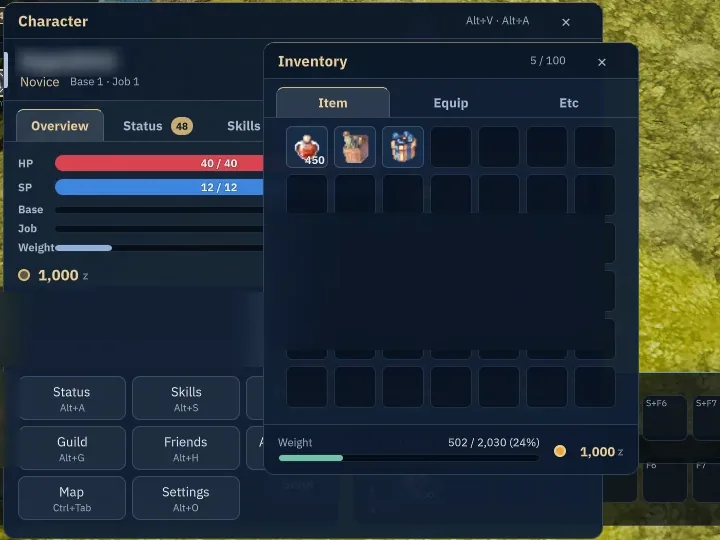
What it is
Review stats, buffs and points; manage equipment, compare items, and inspect rental timers and binding restrictions.
Why it's cool
Understand your character and gear before making changes.
How to use
- Open Inventory or Equipment and double-click to use or equip an item.
- Open Status to stage points and Apply; use Inventory's Expand when you have a supported coupon.
Hotkeys
Alt+EOpen InventoryAlt+QOpen EquipmentAlt+AOpen StatusAlt+VOpen character overview
RELATED
Related features
Livev1.0.0
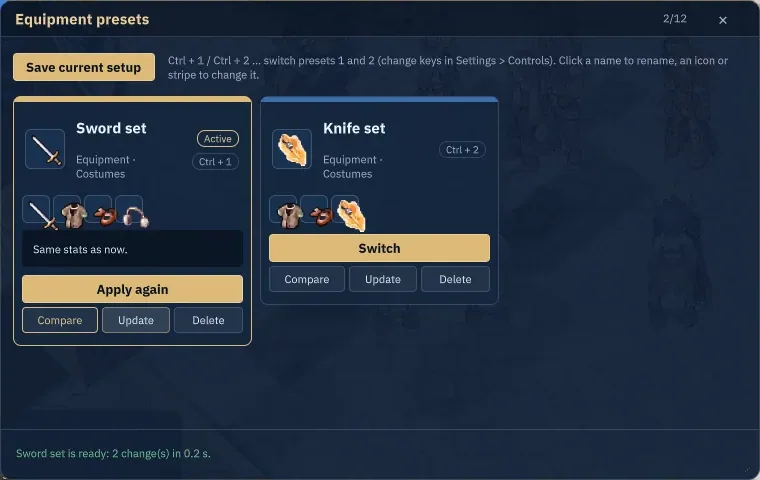
Equipment and hotbar presets
Switch your setup and get ready to fight without rebuilding your hotbars.
Alt+PCtrl+1–5
Livev1.0.0
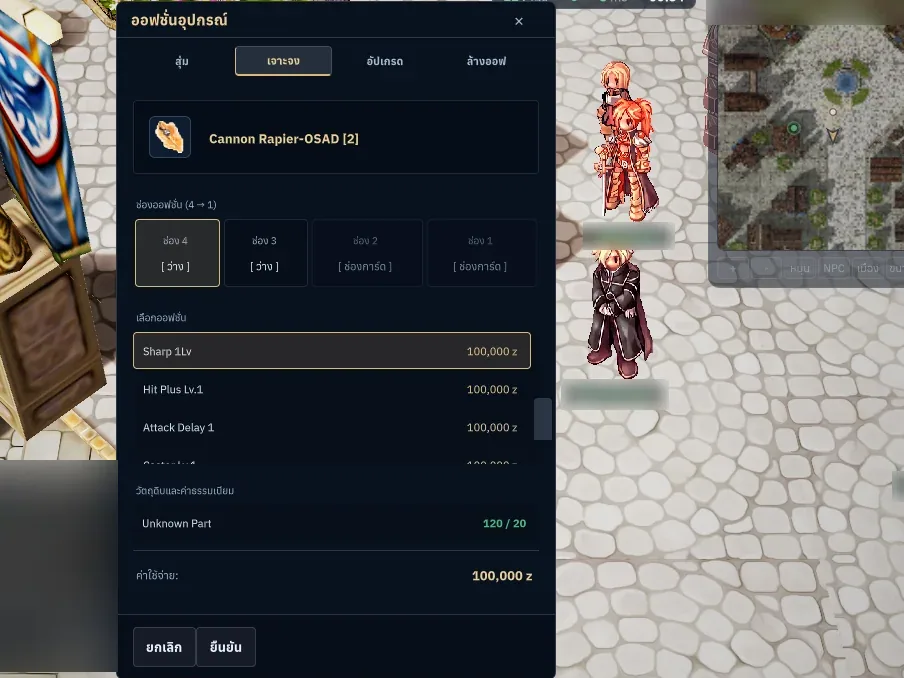
Equipment refining, enchanting and cards
Power up your favorite gear with costs and risks in view.
Livev1.0.0
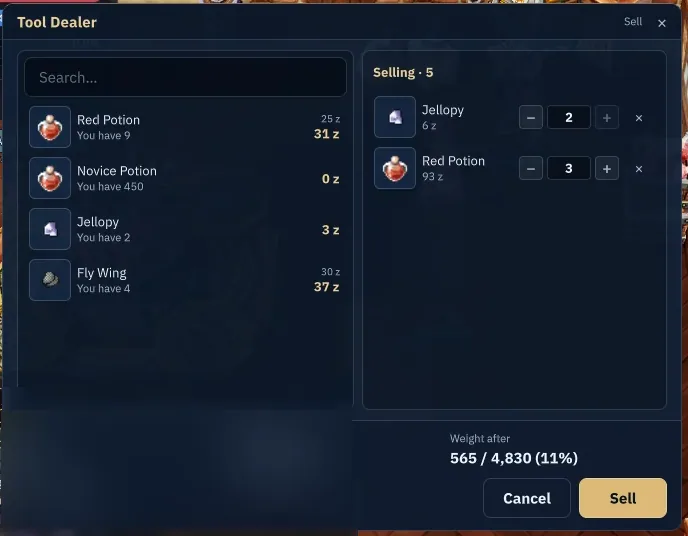
NPC shops and Kafra storage
Check your shopping total, find your stored gear and get back out there.