
LiveSince v1.0.0
Equipment and hotbar presets
Switch your setup and get ready to fight without rebuilding your hotbars.
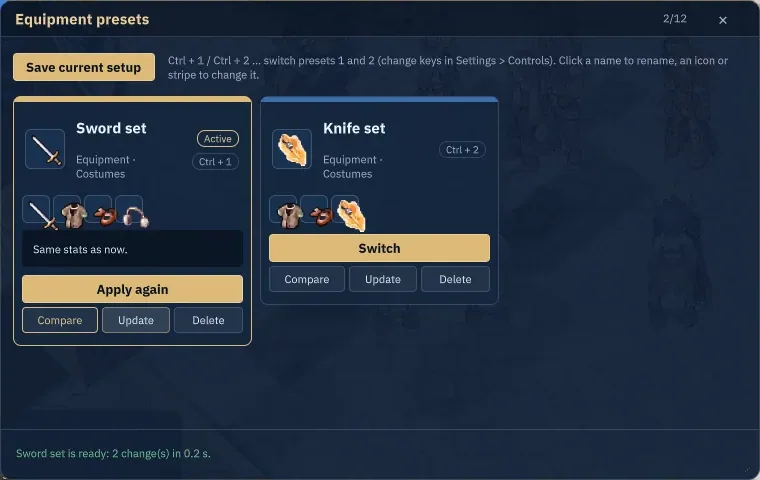
What it is
Save equipment, costumes, ammunition and hotbars locally per character, with missing-item feedback when switching.
Why it's cool
Prepare different setups for different situations.
How to use
- Open Equipment Presets, save a setup and give it a name.
- Choose Switch to apply it or Update to replace the saved setup.
Hotkeys
Alt+POpen PresetsCtrl+1–5Switch saved presets
RELATED
Related features
Livev1.0.0
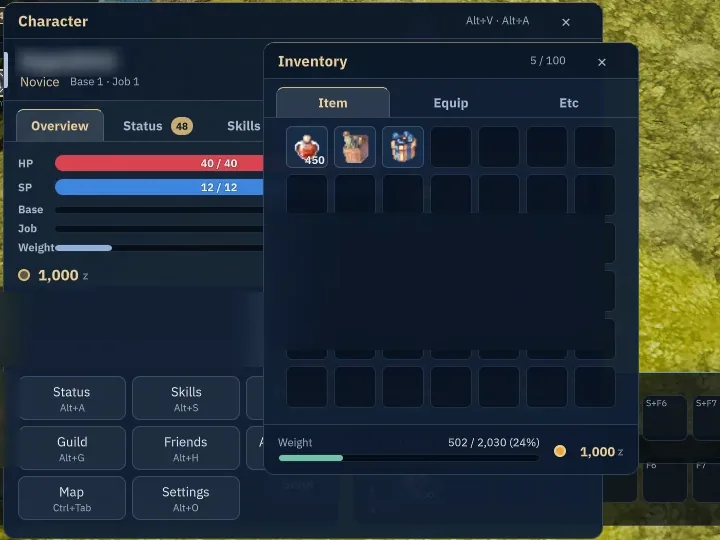
Status, inventory and equipment
Get your gear in order and shape your character to suit your playstyle.
Alt+EAlt+QAlt+A

Livev1.0.0
Skills and hotbars
Build a skill setup that feels right and keep your next move ready.
Alt+SF1–F9Shift+F1–F9
Livev1.0.0
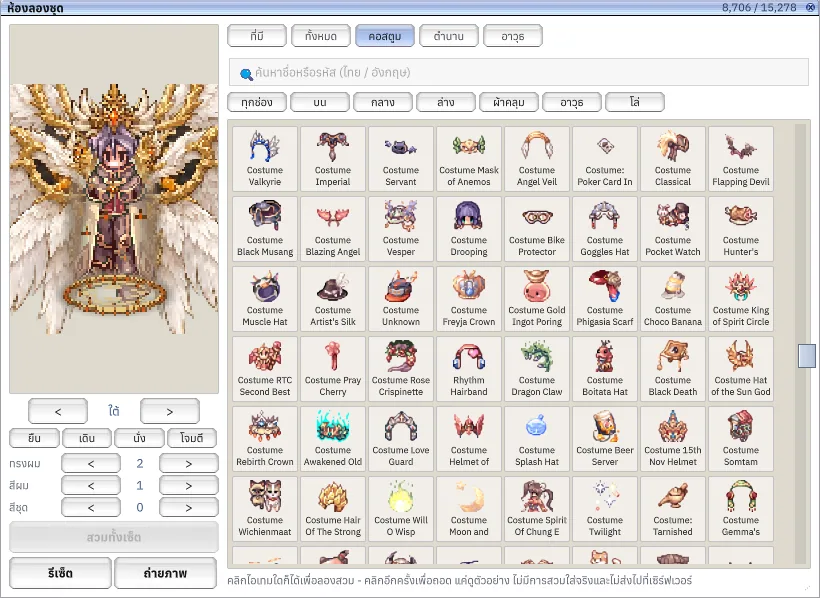
Dressing Room
Find your signature look by trying it on before choosing the real thing.
Alt+Q