
LiveSince v1.0.0
Skills and hotbars
Build a skill setup that feels right and keep your next move ready.

What it is
Stage skill upgrades, drag skills or items onto hotbars, and track casting, cooldowns and delays.
Why it's cool
Arrange your actions and see when skills are ready.
How to use
- Open Skills and stage points with the plus/minus buttons before Apply.
- Drag skills or items onto a hotbar and use the slot keys.
Hotkeys
Alt+SOpen SkillsF1–F9Use first-hotbar slotsShift+F1–F9Use second-hotbar slots
RELATED
Related features
Livev1.0.0

Skill effects and combat feedback
Read the fight at a glance and tune the effects to suit your battles.
Livev1.0.8
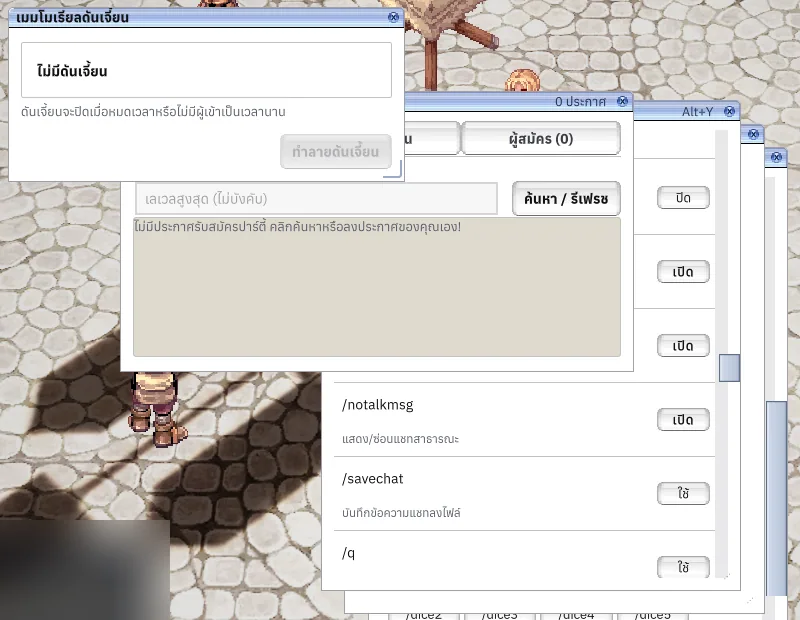
Game menu, commands and hotkeys
Keep the familiar feel and make your hotkeys work your way.
Alt+`F11Ctrl+F12
Livev1.0.0
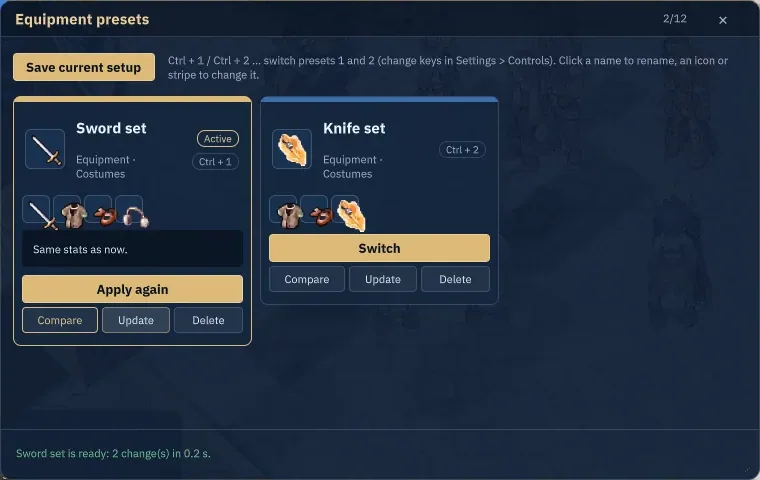
Equipment and hotbar presets
Switch your setup and get ready to fight without rebuilding your hotbars.
Alt+PCtrl+1–5