
LiveSince v1.0.8
Game menu, commands and hotkeys
Keep the familiar feel and make your hotkeys work your way.
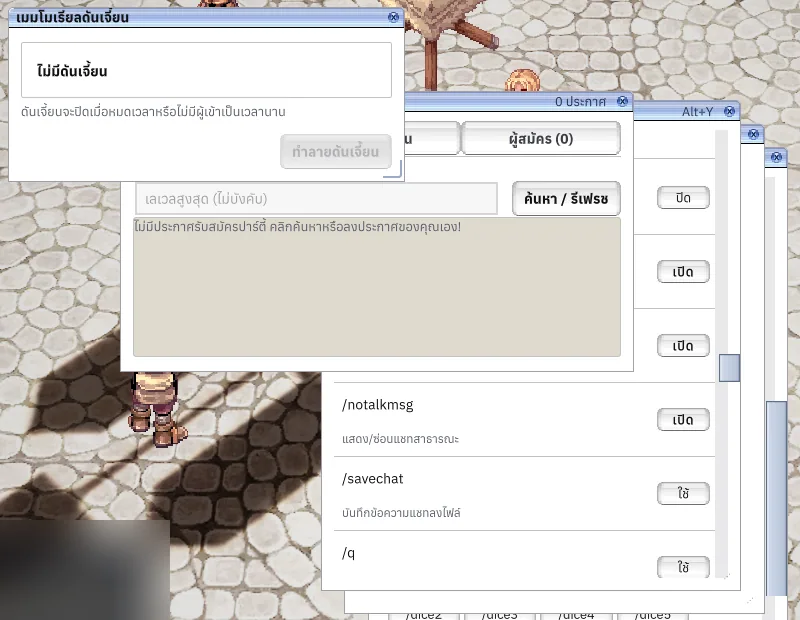
What it is
Adds the game menu, close-all windows, hotbar rotation and command browser, migrating conflicting defaults while preserving custom bindings.
Why it's cool
Use familiar controls and find commands in game.
How to use
- Open the game menu or command browser with its shortcut.
- Customize bindings in Settings > Controls.
Hotkeys
Alt+`Open game menuF11Close all windowsCtrl+F12Rotate the first hotbarShift+F12Toggle the second hotbarAlt+YOpen command browserAlt+MOpen macro settingsAlt+LOpen emotions
RELATED
Related features
Livev1.0.1
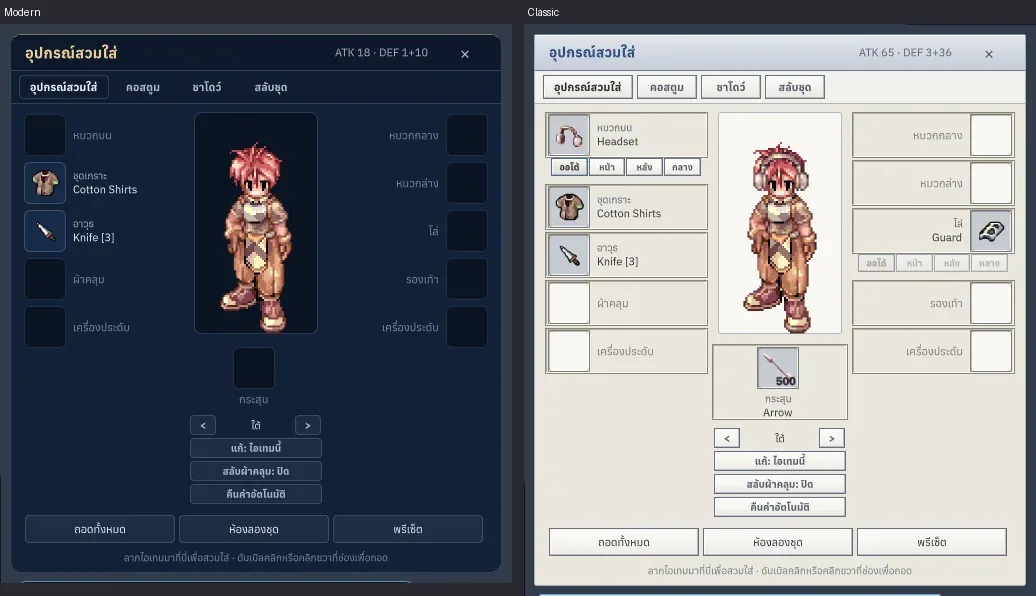
Classic, Modern and Dark themes
Feel at home with classic windows, or find a fresh style you love.

Livev1.0.0
Skills and hotbars
Build a skill setup that feels right and keep your next move ready.
Alt+SF1–F9Shift+F1–F9
Livev1.0.0
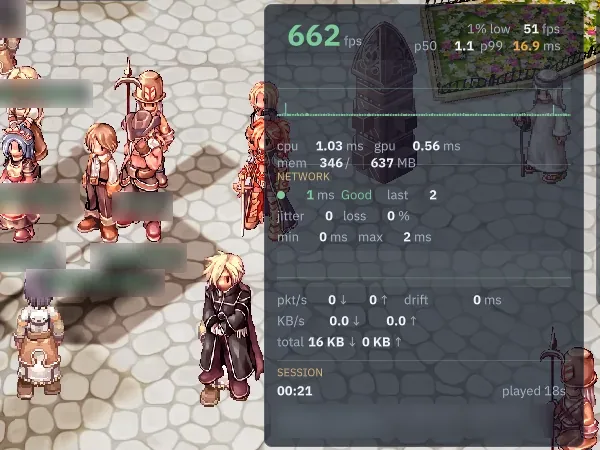
Settings, graphics, audio and FPS/Ping
Make the game feel right with graphics, sound and controls tuned to you.
Ctrl+F