
In testing
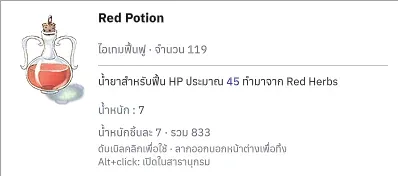
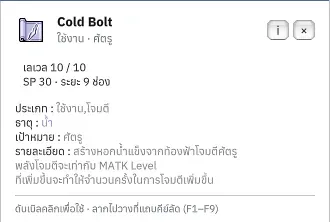
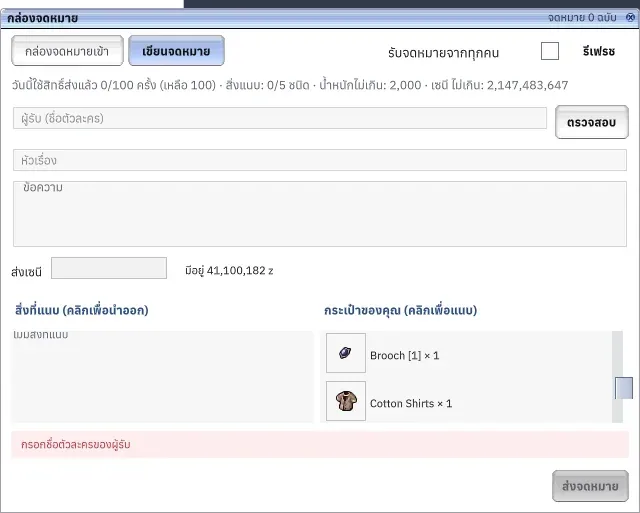
English names and Thai descriptions
Find familiar English names and read their details in Thai.
This system is in testing on the test server and not in the stable patch yet. Details may change before release.
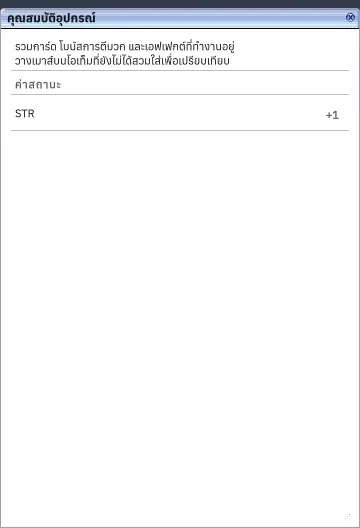
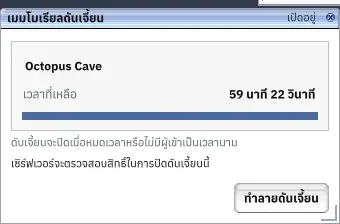
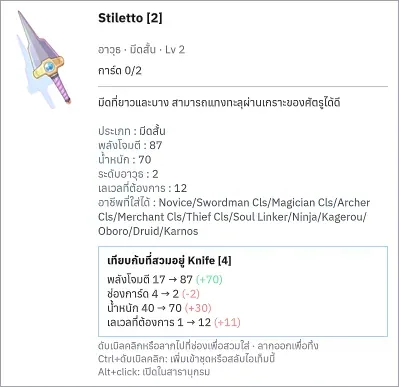
What it is
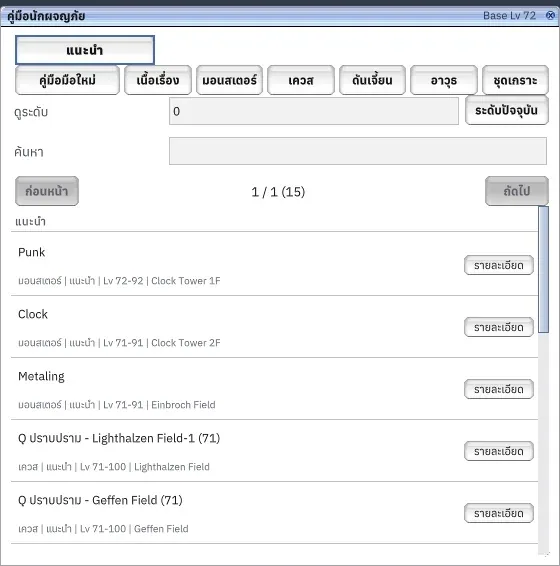
Items, monsters, skills, maps and jobs keep English names in both languages. Descriptions, labels and system text follow the selected language, with description colours preserved.
Why it's cool
Read details comfortably and search for the same names in either language.
How to use
- Choose Thai in Settings > Gameplay > Language.
- Hover an item or open a skill description to read Thai details.
- Open the Adventure Guide to find monsters and maps by English name.
RELATED
Related features
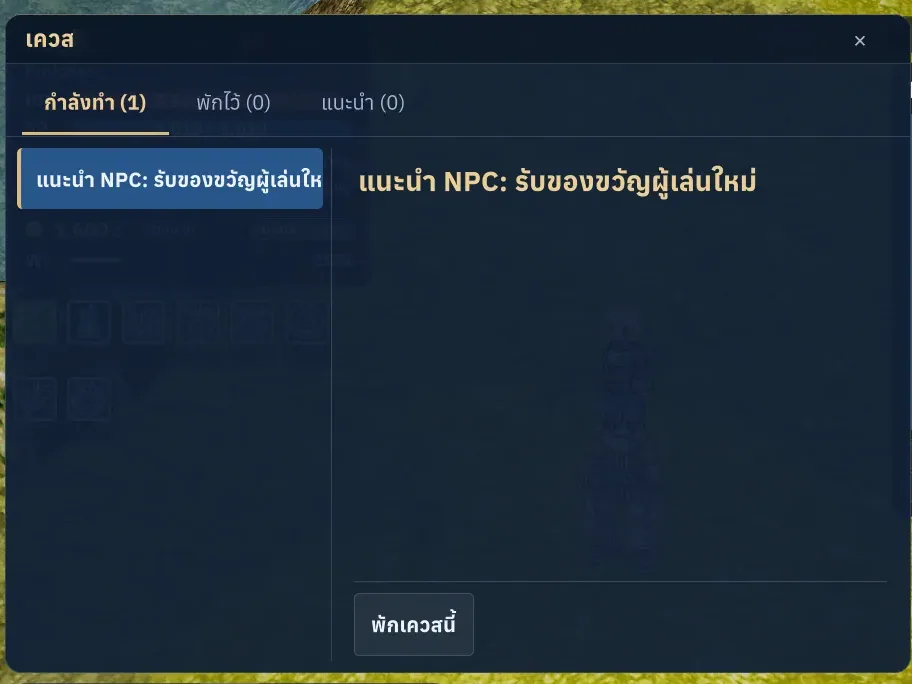
Livev1.0.0
Thai and English
Feel at home in your adventure: switch between Thai and English instantly.
Livev1.0.1
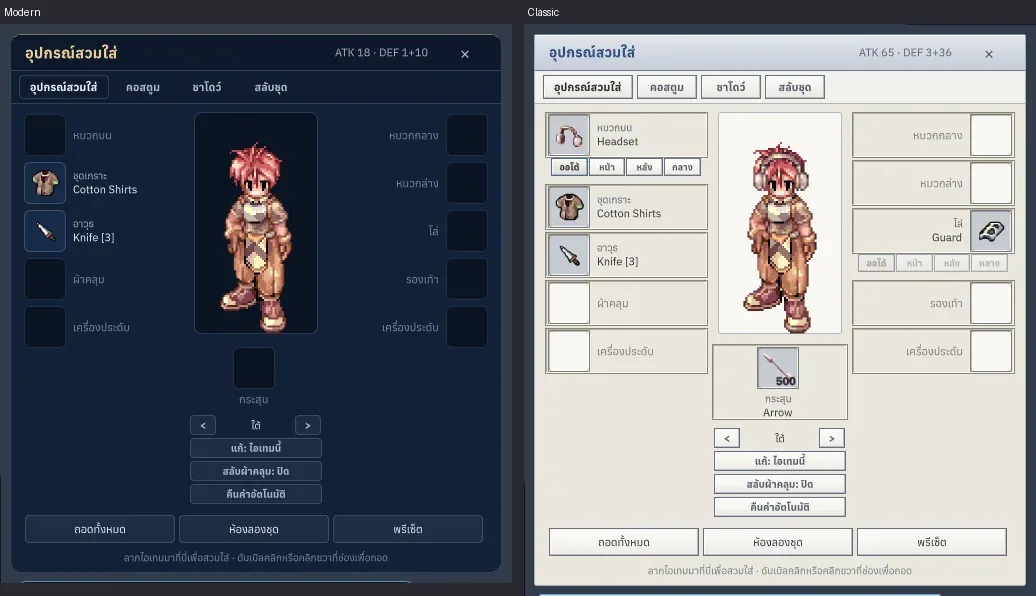
Classic, Modern and Dark themes
Feel at home with classic windows, or find a fresh style you love.

Livev1.0.0
Skills and hotbars
Build a skill setup that feels right and keep your next move ready.
Alt+SF1–F9Shift+F1–F9